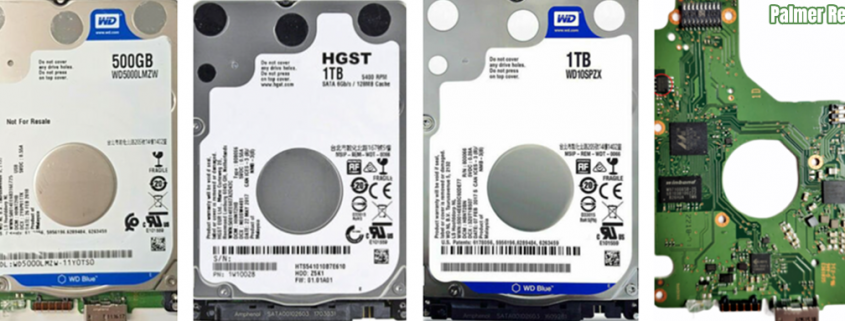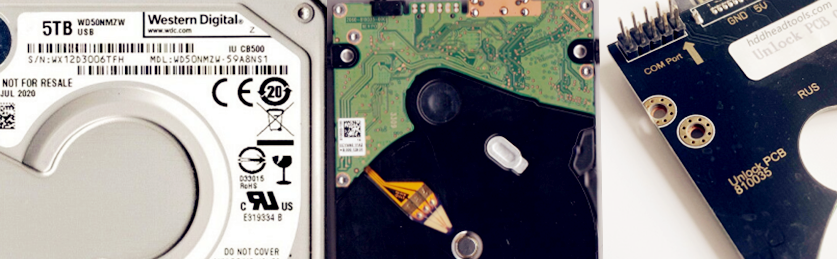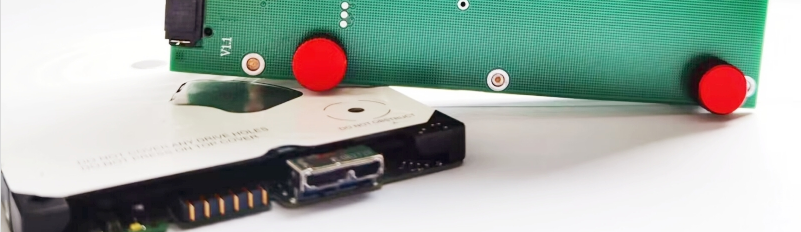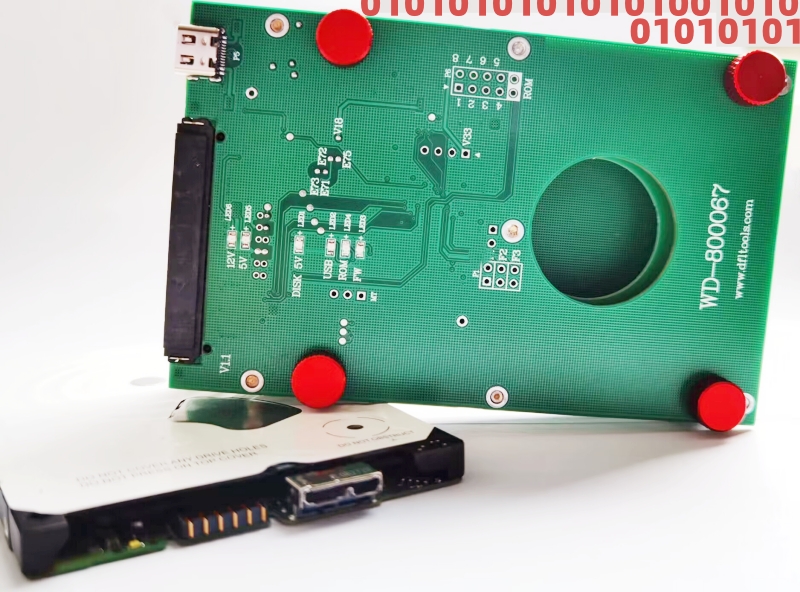
Example models of WD PCB 800041 810012 800022 HDDs:

2060-800041-003
WD50NDZW-11MR8S1
WD40NMZW-59GX6S1
WD40NMZW-11GX6S1
WD40NDZW-11MR8S1
WD40NDZW-11MR8S0
WD40NMZW-34GX6S1
WD30NDZW-11MR8S1
WD30NMZW-11GX6S1
WD30NMZW-59GX6S1
WD30NMZW-11A8NS1
WD30NMZW-11LG6S1
WD30NMZW-11LG6S0

2060-810012-000
WD40NDZM-59PW8S1
WD40NMZM-59Y94S1

2060-800022-000
WD30NPRZ-00YRMT0
WD30NPRZ-11YRMT0

2060-800022-002
WD40NPZZ-00PDPT0
WD30NPZZ-00PDPT0

HDD Family: Spyglass/Spyglass 2

Please note the old WD PCB 800041 800022 Spyglass HDDs don’t have module 190 and they are not SMR drive, users can try to short connect TV9 and TV10 to access the firmware area if the patient drives are undetected or busy; For Spyglass 2 drives, they are SMR drives with module 190 and users can select the following tools which are helpful for firmware repair and data recovery.

Compatible SATA PCB for USB PCB 800041 and 810012: 800022
Find the compatible SATA PCB 800022 here

WD PCB 800041 810012 800022 HDD Firmware Repair Tool: DFL WD HDD Firmware Repair Tool
Users can repair WD HDD firmware module damage, reset smart, remove password, edit HDD ID, etc.

WD PCB 800041 810012 800022 HDD Data Recovery Tool: DFL DDP Data Recovery Equipment
Users can repair module 190, auto load T2data, image WD HDDs with weak heads, bad sectors, common firmware failures, can extract lost partitions, folders, files, etc;

WD PCB 800041 810012 800022 HDD Head Replacement Tool

WD 800041 USB-SATA Adapter Smart

G3 WD SMR HDD 800041 USB-SATA Data Recovery Adapter Pro.

WD 810012 USB-SATA Adapter Smart

G3 WD SMR HDD 810012 USB-SATA Data Recovery Adapter Pro.

Chip-on HDD Flash Programmer Smart/HDD ROM Chip Pin Reader
Users don’t need to solder ROM chips off and read rom chip directly, super easy for WD SMR HDD ROM read and write
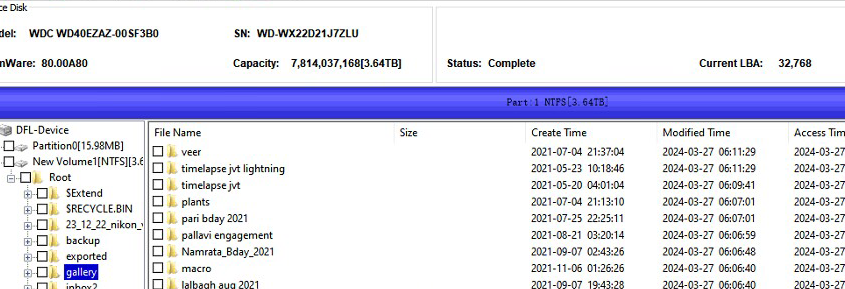
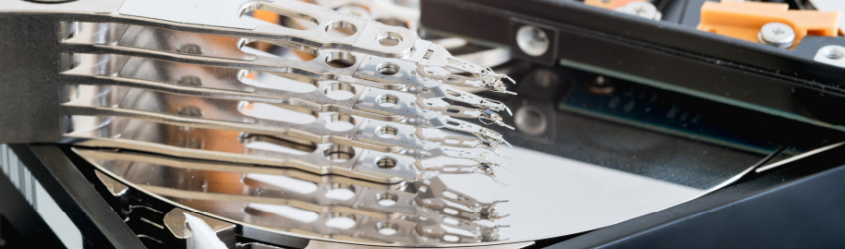
WD HDD Compatible SATA PCB for USB PCB 800038: 800025
Find the compatible SATA PCB 800025 here

WD PCB 800038 800025 HDD Firmware Repair Tool: DFL WD HDD Firmware Repair Tool
Users can repair WD HDD firmware module damage, reset smart, remove password, edit HDD ID, etc.

WD PCB 800038 800025 HDD Data Recovery Tool: DFL DDP Data Recovery Equipment
Users can image WD HDDs with weak heads, bad sectors, common firmware failures, can extract lost partitions, folders, files, etc;

WD PCB 800038 800025 HDD Head Replacement Tool

Example models of WD PCB 800038 800025 HDDs:

WD2500LMCW-11D9GS3 800038
WD5000LMCW-11T31S1 800038
WD5000LPCX-22VHAT0 800025
WD5000LUCX-28LYRY0 800025

HDD Family: Hubble LT /  HubLT2

Please note: WD PCB 800038 800025 HDDs don’t have module 190 and it is not SMR drive, users can try to short connect TV9 and TV10 to access the firmware area.

Chip-on HDD Flash Programmer Smart/HDD ROM Chip Pin Reader
Users don’t need to solder ROM chips off and read rom chip directly, super easy for WD SMR HDD ROM read and write
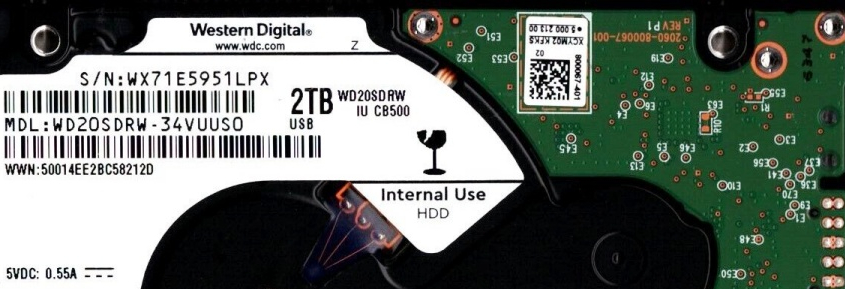
This is one very successful Western Digital SMR hard drive firmware repair and data recovery case study for one Dolphin user in India.

WD SMR Patient hdd id:

Model number-WD40EZAZ-00SF3B0
PCB number: 810011

WD SMR Patient hdd Failure symptoms:

Spin up and down and not possible to access data area

Firmware repair tools and data recovery tools used in this case study:

DFL-SRP for WD firmware repair tool
DFL-DDP data recovery equipment

WD SMR Patient hdd firmware repair and data recovery steps:

01: Backup up original WD SMR Patient hdd ROM by ROM chip pin reader;
02: Generate unlock rom by DFL-SRP for WD firmware repair tool;
03: Write unlock ROM to original 810011 PCB;
04: Connect PCB only, enter DFL-WD firmware repair software by kernel mode and then disable 411;
05: Install the PCB to patient HDD and backup key firmware modules, specially module 190;
06: Repair module 190(unique 190 repair assistant);
07: Fix SMR slow issue;
08: Auto load 190 to ram within DFL-DDP data recovery tool disk image setting;
09: Access to data area and all lost partitions and folders were available for immediate easy data recovery.

Any question is welcome to sales@dolphindatalab.com or add Dolphin Skype ID: dolphin.data.lab

With DFL-WD hard drive firmware repair tool, users can easily recover the lost data from Western Digital Hikvision DVR password protected hard drives.

The patient hard drive in this article was one Western Digital SMR hard drive, 2TB, PCB-810011.

When users connect the patient hard drives to computers or data recovery hardware, the data area was not accessible, the firmware area was locked too.

To recover the lost data from the Western Digital Hikvision DVR hard drive, users need to remove the firmware lock by DFL-WD hdd firmware repair tool and then within the WD hdd firmware repair software, there’s one function to remove the dvr password for this patient hard drive.

After fixing the DVR password protection issue, users can make best use of the original PCB to recover the lost data by DFL-DDP data recovery equipment.

Any question is welcome to sales@dolphindatalab.com or add Dolphin Skype ID: dolphin.data.lab

This is one very successful Western Digital SMR Charger hard drive firmware repair and data recovery case. This patient charger hard drive spun up and down repeatedly and seemed like head failure but actually not.

The user tried to swap heads of the patient hard drive but the failure symptoms remained the same.

With the help of Dolphin remote support engineer, the user changed the original heads back to patient hdd.

To recover lost data from this failed charger drive, the user converted the USB interface to SATA by G3 800067 USB to SATA data recovery adapter, backup the original ROM, generate unlock rom by DFL-WD firmware repair tool, disable 411 and write unlock rom.

Next the engineer made a backup of the important firmware modules, specially the module 190, both copy 0 and copy 1. After testing the module 190, the copy 0 190 was corrupted but copy 1 was still good. So the engineer wrote copy 1 190 to copy 0. It was very lucky after the good copy of 190 was written, the engineer enabled 411, power off and on and the patient hdd was repaired successfully.

In many cases, both copies of 190 were corrupted and users need to use DFL-DDP data recovery tool to repair the 190 and finally users need to load the 190 or T2Data to the RAM automatically to fix the all 0000 issue.

Any question is welcome to sales@dolphindatalab.com or add Dolphin Skype ID: dolphin.data.lab

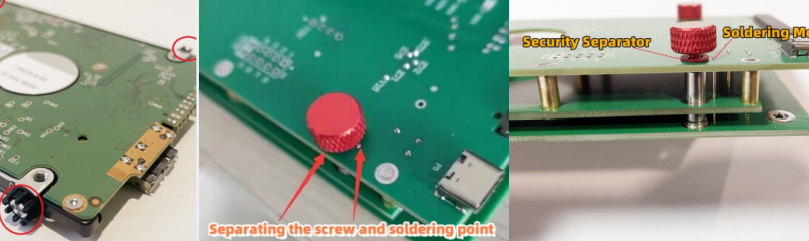
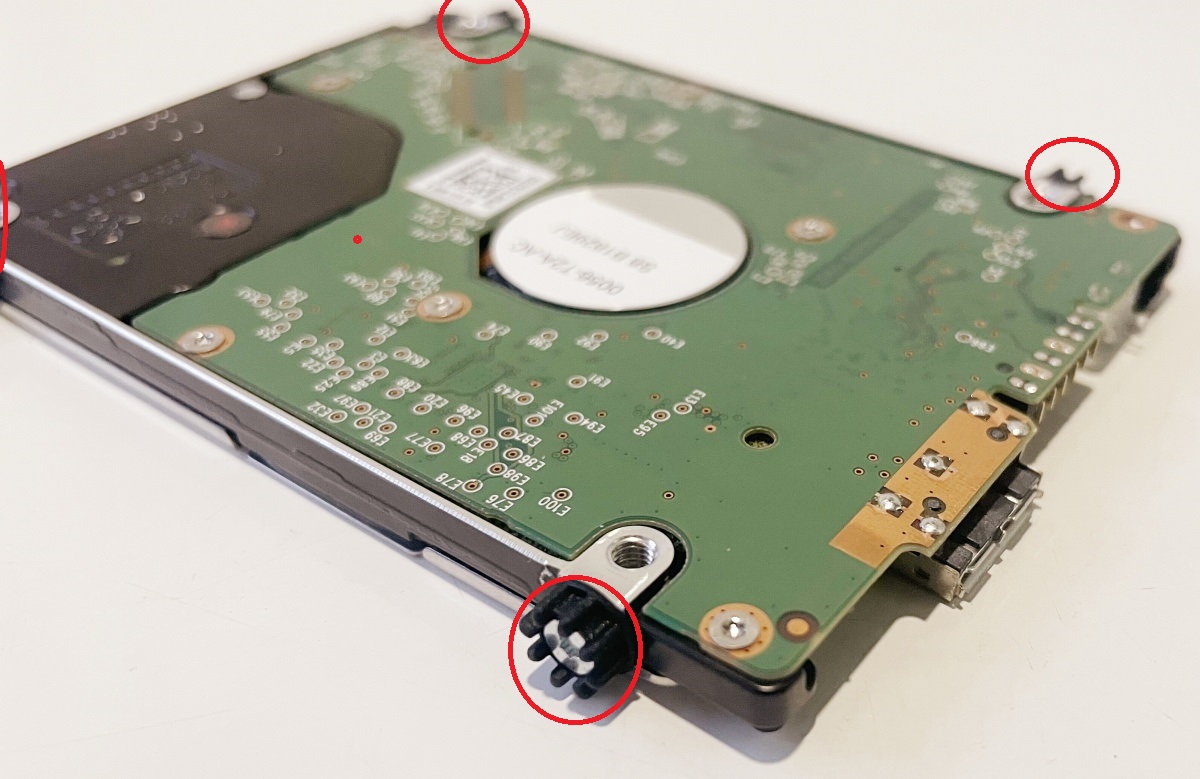
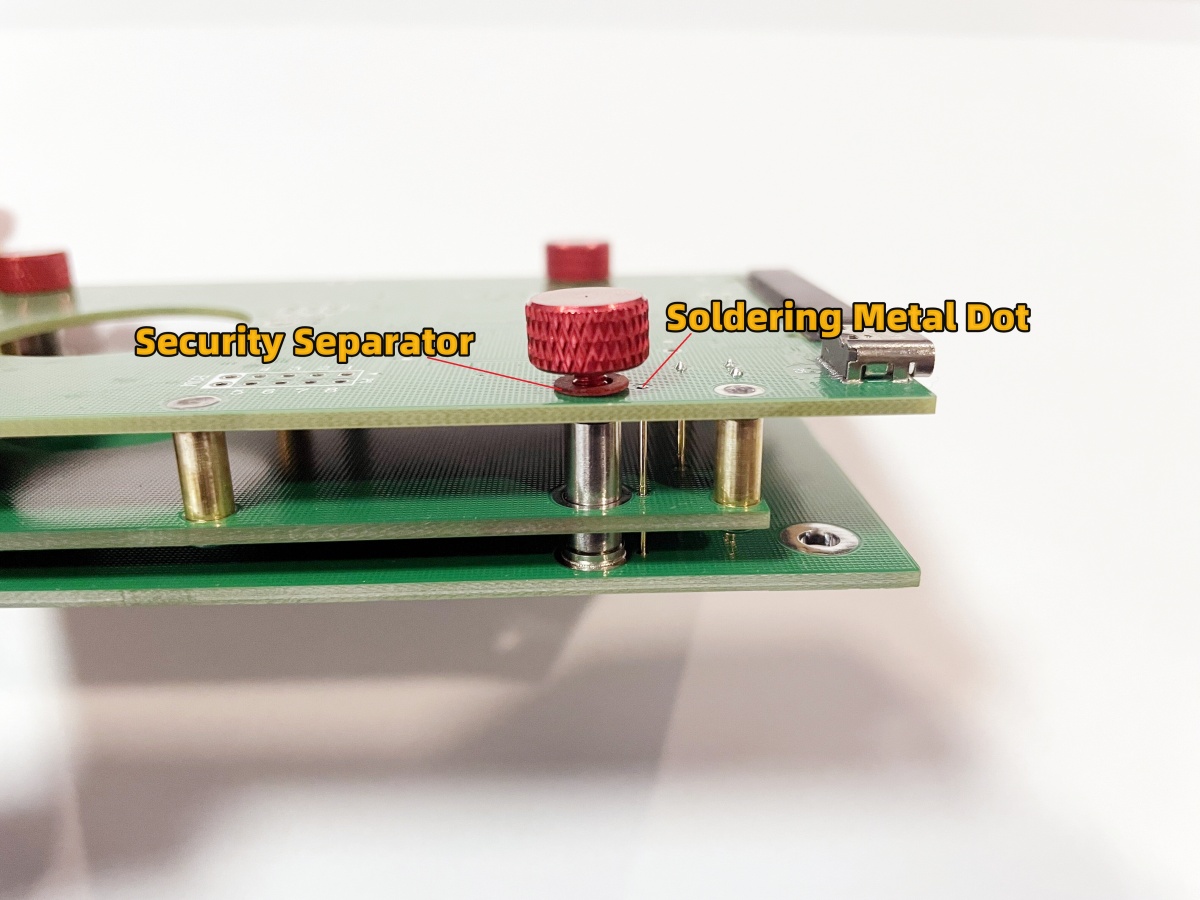
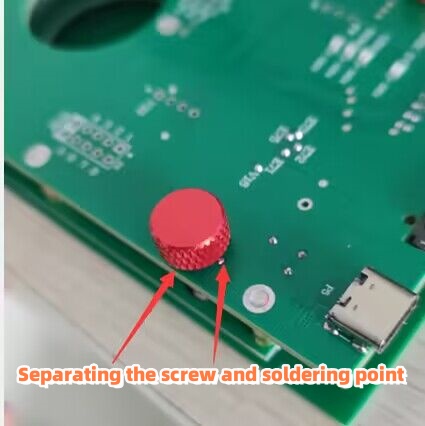
Note: When users are trying to install the G3 800041 USB to SATA adapter, the following tips are important:

01: Remove the screws on the margin of the HDD;


02: Separating the screw of the soldering metal dot;

Order G3 2060-800041 USB to SATA Data Recovery Adapter here

How to install G3 USB to SATA Data Recovery Adapter

When Western Digital SMR hard drives suffer physical damage, such as head damage, platter surface scratch, surface contamination, motor stuck, parking ramp damage, etc, users get these WD SMR patient drives and we call these cases WD SMR physical data recovery cases.

Western Digital SMR Hard Drives Families:

Carmel
Charger
Spyglass II
Spyglass III
Palmer
Venicer
Etc…

Users can check the module list and see if the module 190 is available or not. If the module 190 is available, it is one WD smr drive.

After users get the physically damaged WD smr drives, users need to find one donor hdd for head swap, platter swap, platter cleaning, hdd inner parts cleaning, parking ramp swap, motor unstuck, etc. How to find one donor hdd for WD smr hard drives, find details here.

To recover lost data from WD SMR physically damaged hard drives, users can try the following important solutions:

1, Backup, edit and repair module 190;
2, Edit head map in RAM;
3, Set up head map in bitmap and image by selective heads;

Required head replacement tools, firmware repair tools and data recovery equipment:

DFL-WD HDD Repair Tool
DFL-DDP data recovery equipment
Head and Platter Swap and Clean Suite
G2 HDD Head Comb Suite.Advanced

Any question is welcome to sales@dolphindatalab.com or add Dolphin Skype ID: dolphin.data.lab

After Dolphin Data Lab released the latest G3 WD SMR HDD USB to SATA data recovery adapter and its software, it becomes easier and easier for Dolphin users to recover lost data from WD SMR USB hard drives.

Helpful videos to learn more about the G3 WD SMR USB HDD adapters and its software:

Video 01: How to Install G3 WD USB to SATA Data Recovery Adapter 
Video 02: How to Image Extract Lost Data From WD USB HDDS Faster and More Stably
Video 03: Latest data recovery assistant software for WD SMR USB HDDs

To recover lost data more easily from WD SMR USB hdds, users can try the following steps:

01: Connect G3 adapter to WD SMR USB hdds by USB type c cable;
02: Click connect device and Read ROM directly by G3 adapter software;
03: Generate unlock rom by DFL-WD hdd firmware repair software;
04: Click ‘Block 411 Write’ , select the generated unlock rom and write rom by G3 adapter software;
05: Close ROM operations by G3 adapter software and go to DFL-WD hdd repair software;
06: Lock UA writing, backup important firmware modules, specially module 190;
07: Test firmware modules and repair;
08: Open DFL-DDP data recovery software for disk image or file extraction, load 190 to ram auto if there’s all sectors 0000 issue.

Any question is welcome to sales@dolphindatalab.com or add Dolphin Skype ID: dolphin.data.lab

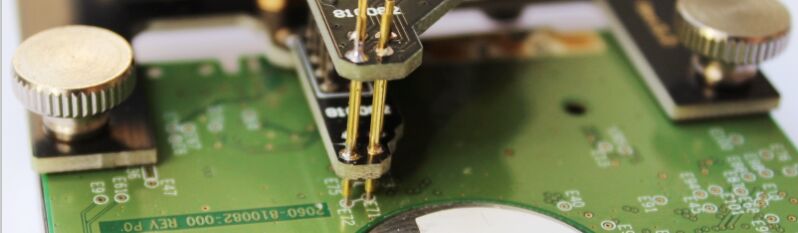
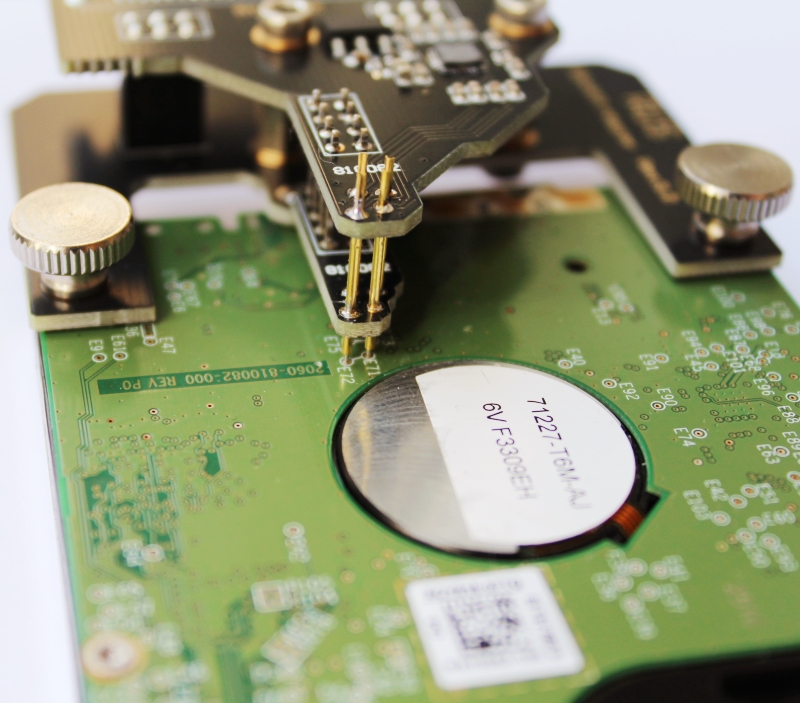
WD 810082 USB-SATA Adapter Smart is one professionally designed SATA connector. Users can easily install this adapter on the original 810082 USB PCB and then users can operate on 810082 USB hard drives by SATA interface.

Please note: WD 810082 USB-SATA Adapter Smart doesn’t contain any data recovery tools or software. Users need to buy hdd firmware repair tools or data recovery hardware tools to work with the firmware area or run disk image or file extraction.

WD 810082 USB-SATA Adapter Smart helps to get the data at the status of decryption off the 810082 drives by SATA interface.

Features:

01: This adapter adopts one special chip which can safely absorb repetitive ESD strikes above the maximum level specified in the IEC61000-4-2 international standard (±8kV contact discharge)
02: Visible pins for easier pins location and connection.

To work with 810082 hdd firmware area, users need to unlock the firmware area first by the following steps:

01: Users need to use HDD ROM chip pin reader to read original rom from 810082 original USB PCB;
02: Users can use WD hdd firmware repair tool to generate unlock rom(This step can be done by other similar firmware repair tools);
03: Write unlock rom by HDD ROM chip pin reader to the 810082 USB PCB;
04: Power off and on and users can access to firmware area, test and repair damaged firmware modules.

Users can order WD 810082 USB-SATA Adapter Smart here.

Any question is welcome to sales【@】dolphindatalab.com

G3(Generation 3) WD SMR HDD 800067 USB-SATA Data Recovery Adapter Pro. is created to make WD SMR USB HDD data recovery easier and more successful. After using this 800067 G3 adapter, users can easily work on the 800067 USB hdd by SATA interface without the SED headache.

G3 WD SMR HDD 800067 USB-SATA Data Recovery Adapter Pro. contains the following items:

01: 800067 USB to SATA connector;
02: USB Type-C Cable;
03: Software to read/write 800067 USB HDD rom and adjust SATA data signals.

Wow Features of G3 WD SMR HDD 800067 USB-SATA Data Recovery Adapter Pro.

01: Super easy to install this G3 SATA adapter to the 800067 USB PCB;
02: Independent simple software to read rom, write rom directly without using flash programmer;
03: Buffer chip used and users can use the given simple software to adjust the SATA data signals to make firmware operations, disk image and file extraction faster and make data transfer more stable, this makes it possible to bypass the capacitors removal;
04: Power stabilizator is used;
05: ESD protection is adopted.

Steps to use G3 WD SMR HDD 800067 USB-SATA Data Recovery Adapter Pro.

01: Install 800067 G3 SATA adapter;
02: Read original 800067 ROM with G3 adapter software;
03: Generate unlock rom by DFL-WD firmware repair tool;
04: Write unlock rom with G3 adapter software;
05: Disable 411 and backup firmware modules, specially module 190;
06: Test firmware modules and repair corrupted firmware modules;
07: Image patient drive or extract lost data directly.

Users can order this Super Version of WD SMR 800067 USB-SATA HDD Data Recovery Adapter here.

Any question is welcome to sales@dolphindatalab.com or add Dolphin Skype ID: dolphin.data.lab