
WD SMR Drive Selective Head Image Steps
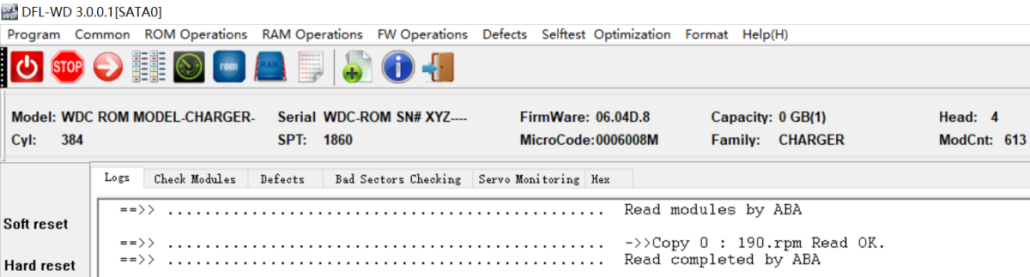
For many WD SMR patient drives, the weak heads or bad sectors data recovery cases are very common and selective head image is very necessary and used a lot.
To run selective head image for WD SMR drives, users can follow the steps below:
01: Unlock the SA by writing unlock rom or swap the original PCB with firmware unlock PCB;
02: Disable 411 in kernel mode and restart firmware;
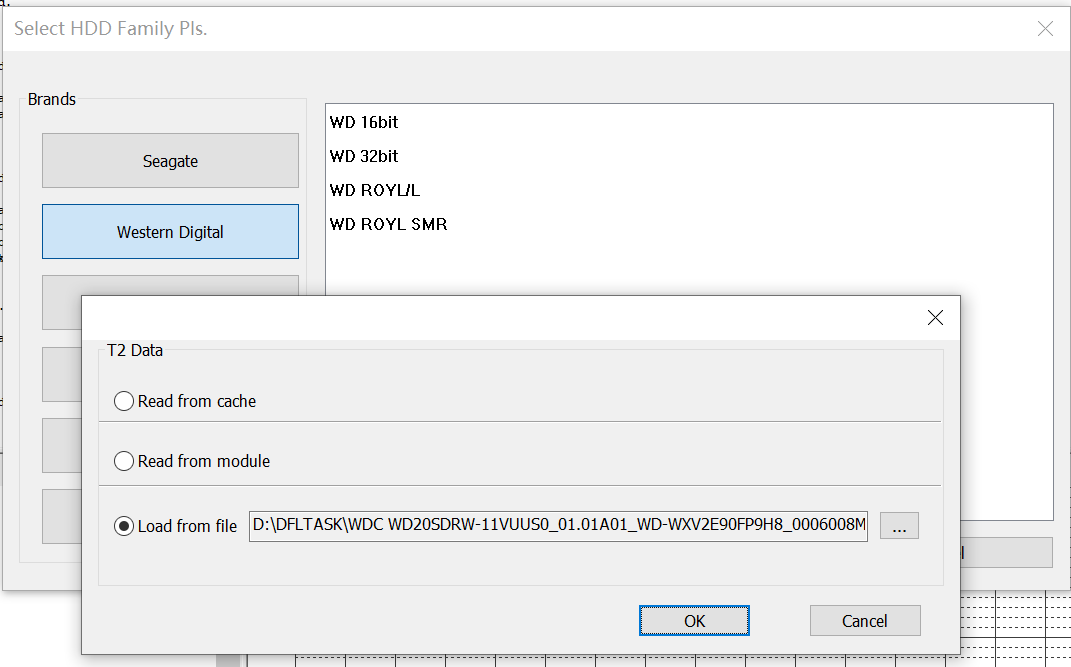
03: Backup T2Data and module 190;
04: Set up disk image task, select Head Map and select 190 or T2 data to set up head map;
05: After head map is set up, users can select good heads to image first and then weak heads.




Leave a Reply
Want to join the discussion?Feel free to contribute!