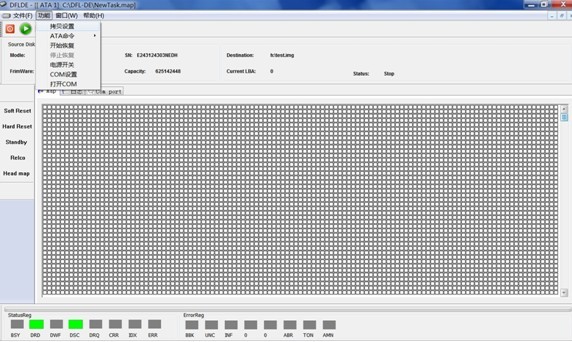
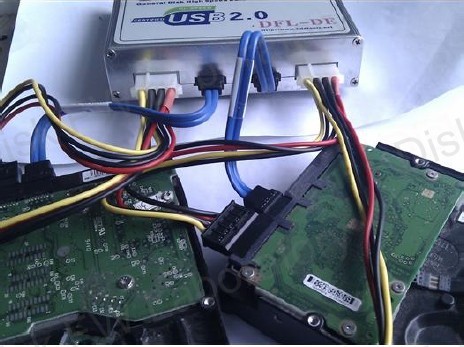
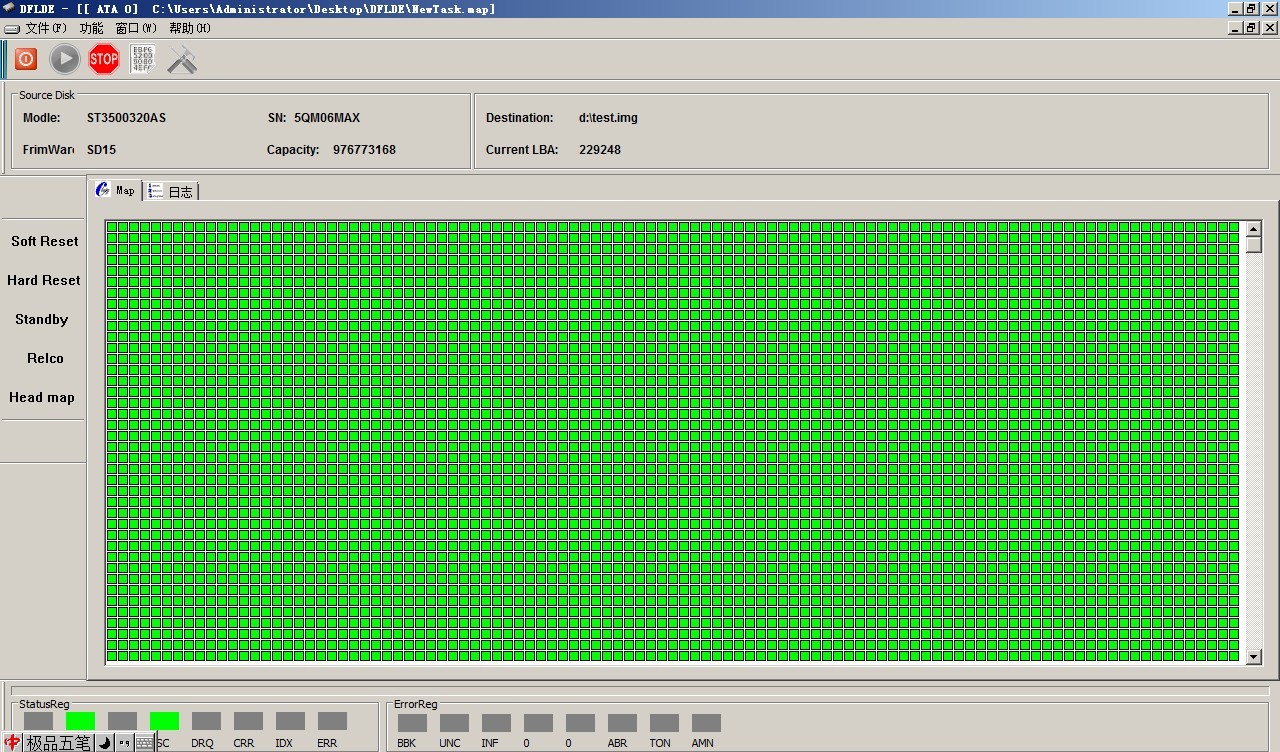
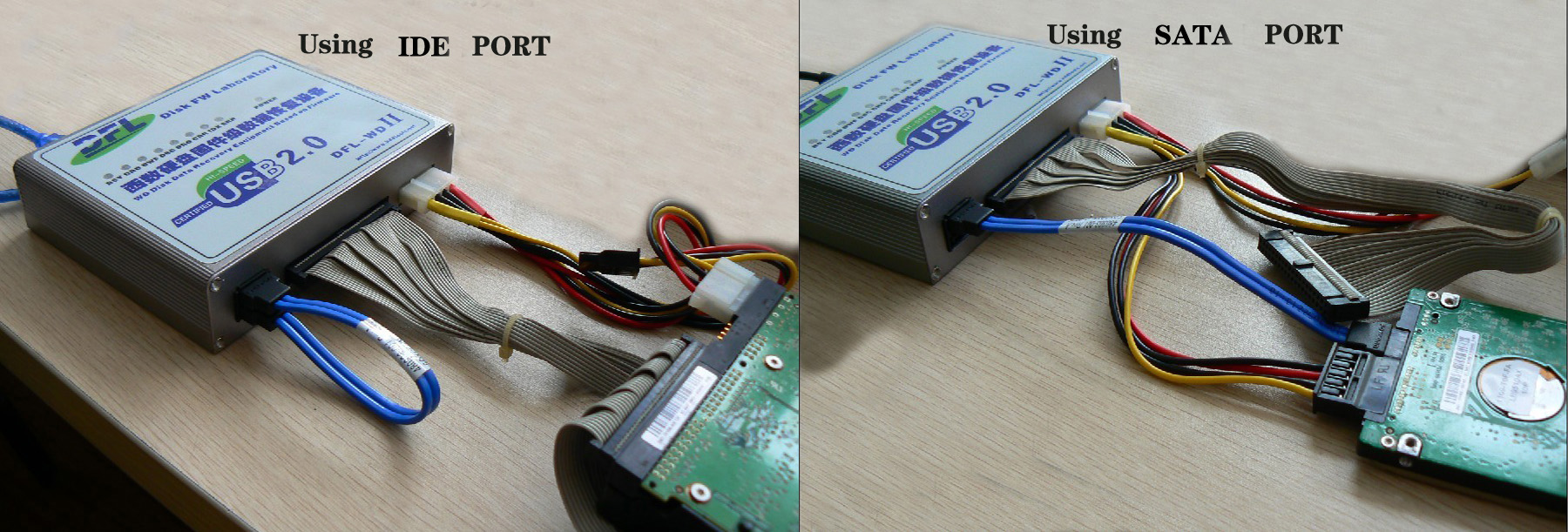
DFL-DE is one hardware disk imager which has very powerful disk imaging functions and portable to offer door-to-door data recovery services and possibilities to work anywhere you want.
You can use DFL-DE very easily and connect this disk imager to two SATA or IDE hard drives synchronously and image the data fast and stably from the original two drives to new disks or files even if the original drives have a lot of bad sectors or unstable heads. Read more
https://www.dolphindatalab.com/wp-content/uploads/2011/10/dfl-de-disk-imaging-tool.jpg342572Stanley Morganhttps://www.dolphindatalab.com/wp-content/uploads/2022/02/280_Dolphin-newest-logo.pngStanley Morgan2012-08-06 21:13:312013-04-22 11:28:49DFL-DE Data Recovery Tool Disk Imaging Features
As for our DE, it has double ports, supporting all the major drives and the most important is able to image or recover data from patient drives with bad sectors or unstable heads stably and fast as it can be. DFL-DE is one ‘Less but More’ advanced data recovery tool. Users spend less time but more data, spend less money but more success, push less but more upgrades, ask for less but more support. Read more
https://www.dolphindatalab.com/wp-content/uploads/2012/07/DFL-DE-3.jpg347464Stanley Morganhttps://www.dolphindatalab.com/wp-content/uploads/2022/02/280_Dolphin-newest-logo.pngStanley Morgan2012-07-27 11:30:592013-04-22 11:28:50DFL-DE Review And Its Attractive Data Recovery Tool Features
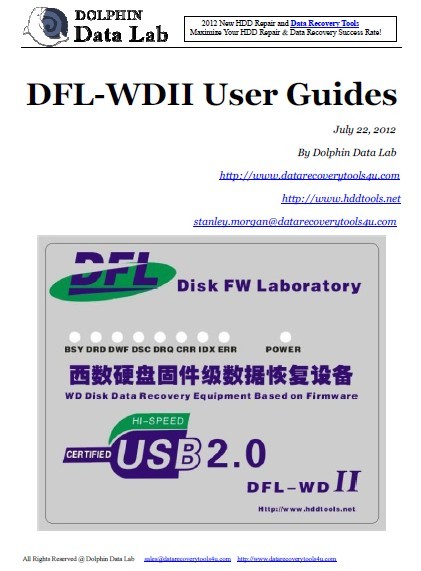
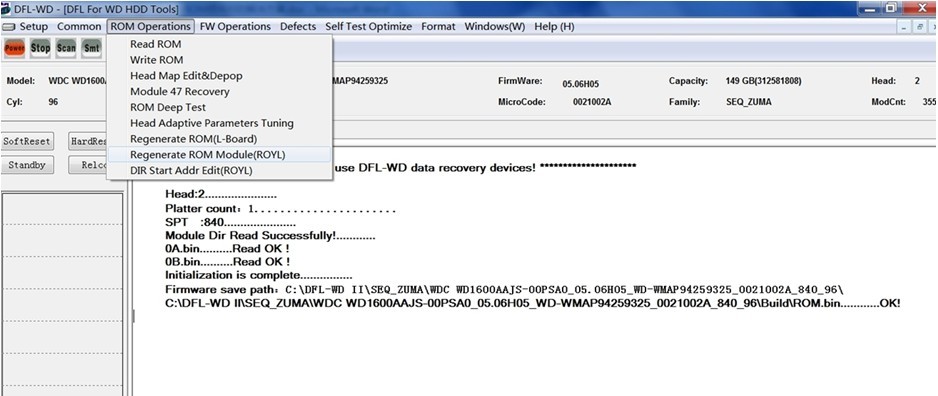
We have had the basic user manual for DFL-WD II but to offer clients better support, we are writing more detailed user manuals to help all our users make best use of DFL-WDII hdd repair tool. We have already put many hdd repair videos by DFL-WDII in our forum and clients can watch the videos and read the hdd repair tips too. Read more
https://www.dolphindatalab.com/wp-content/uploads/2012/07/wd-hdd-repair-user-manual.jpg571421Stanley Morganhttps://www.dolphindatalab.com/wp-content/uploads/2022/02/280_Dolphin-newest-logo.pngStanley Morgan2012-07-25 14:48:282013-04-22 11:28:50DFL-WD II Hdd Repair New User Manual Is On The Way
DFL-DE is the 2012 latest revolutionary data recovery tool used for all hdd brands. This data recovery tool contains combined data recovery software and hardware, without hardware, you cannot run the software separately. Read more
https://www.dolphindatalab.com/wp-content/uploads/2012/07/DFL-DE-06.jpg7521280Stanley Morganhttps://www.dolphindatalab.com/wp-content/uploads/2022/02/280_Dolphin-newest-logo.pngStanley Morgan2012-07-20 15:38:372013-04-22 11:28:50DFL-DE Data Recovery Tool Is To Be Released Soon
‘Force Loading’ helps to fix many damaged WD hdds which spin up and down and their SA areas cannot be accessed. Force Loading’ is one creative hdd repair feature enables direct access to safe mode and have the clicking hard drive spinning up and then access to the firmware area and fix the firmware damage. This is one perfect and quick way to help users repair WD clicking hard drives by firmware failure. Read more
https://www.dolphindatalab.com/wp-content/uploads/2011/10/top-data-recovery-technologies.jpg311565Stanley Morganhttps://www.dolphindatalab.com/wp-content/uploads/2022/02/280_Dolphin-newest-logo.pngStanley Morgan2012-07-14 17:38:312013-04-22 11:28:502012 Top 15 Data Recovery Technologies
This article will teach users of DFL-WDII hdd repair tool in details on how to install the program successfully in several simple steps.
First, you need to get our latest DFL-WDII setup program, let’s have the Version 2.3.5 set up program as example to go with the following steps: Read more
Dolphin Data Lab is one of the most professional manufacturers and suppliers of data recovery tools and hdd repair tools and we began data recovery business from data recovery services by using different data recovery tools and our own DIY data recovery solutions and until recent two years, we planned to develop our own commercial data recovery tools and have them available to the international market. Read more
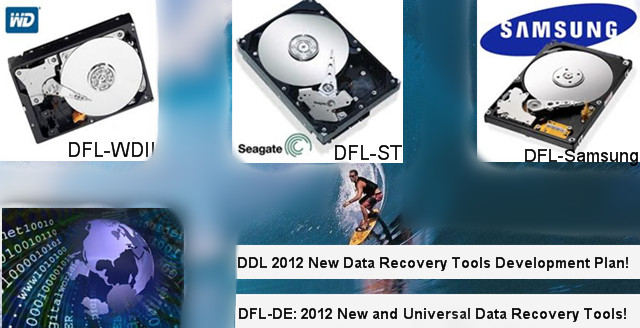
https://www.dolphindatalab.com/wp-content/uploads/2012/07/2012-new-data-recovery-tools-development-plan.jpg328640Stanley Morganhttps://www.dolphindatalab.com/wp-content/uploads/2022/02/280_Dolphin-newest-logo.pngStanley Morgan2012-07-13 12:23:192013-04-22 11:28:502012 New Data Recovery Tools Development Plan
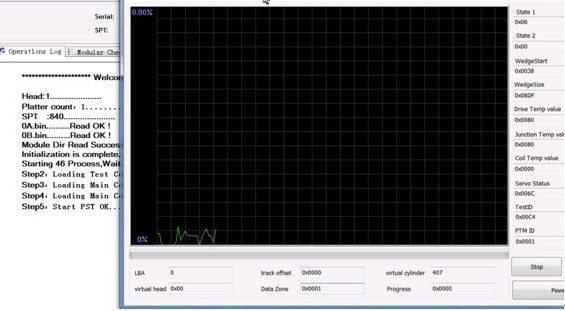
ARCO-Advanced Read Communication Optimization. ARCO is usually used when the FW modules have a total replacement, otherwise, you don’t need to run ARCO at all or you may run the ’46 Optimize’only.
Steps to Run ARCO
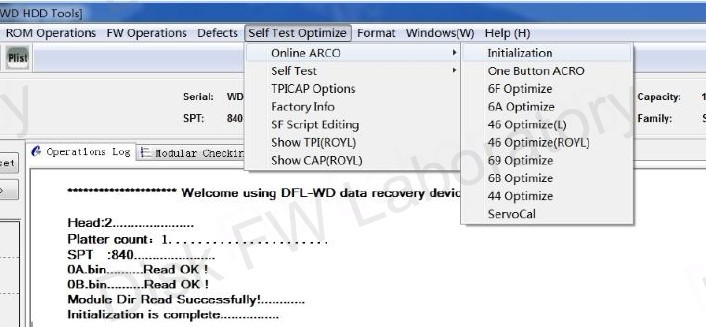
Run ‘Initialization’ under ‘Online ARCO’ so that all the adaptive parameters, zone parameters, etc can be set to default and all logs will be cleared automatically;
Generation orders to run ARCO is to run ‘6f Optimize’,’6a Optimize’, ‘6b Optimize’,’69 Optimize’,’46 Optimize’. For some drives, you may run ‘6a Optimize’before ‘6f Optimize’if you fail to run ‘6f Optimize’in the beginning.
“One Button ARCO” is a combination of 6B TPI(Density) Correction, 69 Capacity Settings and 46 Optimize. Below ‘One Button ARCO’ in the DFL-WDII hdd repair program, you can find five separated Selftest processes and they are ‘6F Optimize’-TouchDn Correction, ‘6A Optimize’-GAP R/W Correction, ’46 Optimize’-Complete Channel Optimization, ’69 Optimize’-Capacity Settings, ‘6B Optimize’-TPI Correction.
[/protect]
ARCO Notes
Among them, 6F and 6A are for head optimization to enhance the head R/W capabilities. Read more
https://www.dolphindatalab.com/wp-content/uploads/2011/10/ARCO-optimization.jpg327706Stanley Morganhttps://www.dolphindatalab.com/wp-content/uploads/2022/02/280_Dolphin-newest-logo.pngStanley Morgan2012-07-04 16:36:322013-04-22 11:28:50How To Run ARCO With DFL-WDII HDD Repair Tool
This article teaches users who are using DFL-WDII HDD firmware repair tool to depop the heads successfully with detailed steps and suggestions in different WD hdd failure situations. It can help users improve their hdd repair and data recovery success rate effectively. Read more